TrayManager
A downloadable tool
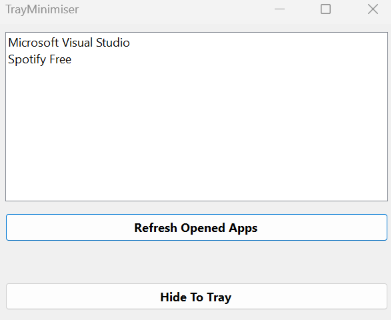
TrayManager shows all open apps and when a app is selected, you can press the "Hide to tray" button, that button will immediately minimize that app but it will not be in your taskbar, it will be in your tray! to bring back the application, just double click on it in your tray, and it will appear.
If TrayManager is closed while any apps are minimized to tray, they wont be able to un minimize, you will need to close them through task manager, and re open them afterwards.
Download
Leave a comment
Log in with itch.io to leave a comment.